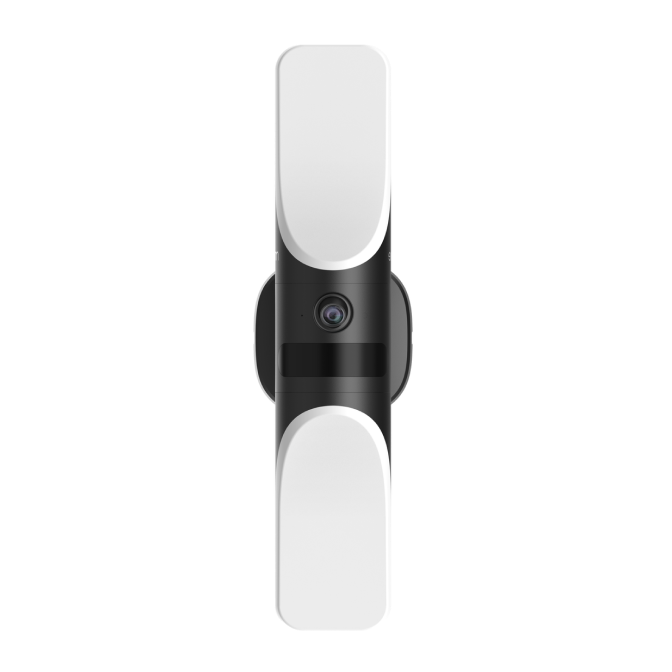
Needs testing
Wired Wall Light Cam S100
T84A1 · T84A1311
Check features for the way your device connects.
Feature results change with your selected connection.
Some features may still need testing. Check the results for your connection below.
← Back to camerasWorking, tested. Working, community reported. Needs testing means unconfirmed.
What works with this setup.
Direct
Pictures & video
| Feature | Status | What to expect | Updated |
|---|---|---|---|
| Live view | Mixed results | This works for some people, but others have had problems with this connection. | |
| Snapshots | Mixed results | This works for some people, but others have had problems with this connection. |
Events
| Feature | Status | What to expect | Updated |
|---|---|---|---|
| Motion events | Needs testing | This feature is listed for this device, but we haven't checked it with Home Assistant yet. | Not recorded |
| Person events | Needs testing | This feature is listed for this device, but we haven't checked it with Home Assistant yet. | Not recorded |
| Pet events | Needs testing | This feature is listed for this device, but we haven't checked it with Home Assistant yet. | Not recorded |
| Vehicle events | Needs testing | This feature is listed for this device, but we haven't checked it with Home Assistant yet. | Not recorded |
| Sound | Needs testing | This feature is listed for this device, but we haven't checked it with Home Assistant yet. | Not recorded |
Settings & actions
| Feature | Status | What to expect | Updated |
|---|---|---|---|
| Device enabled | Needs testing | This feature is listed for this device, but we haven't checked it with Home Assistant yet. | Not recorded |
| Siren | Not working | This feature was tried with this connection and did not work. | |
| Motion detection | Needs testing | This feature is listed for this device, but we haven't checked it with Home Assistant yet. | Not recorded |
| Spotlight master | Needs testing | This feature is listed for this device, but we haven't checked it with Home Assistant yet. | Not recorded |